
Understanding Open Banking in Australia: How Your Data Stays Safe
Curious about what happens when you connect your bank account to an app? Australia's Consumer Data Right (CDR) framework makes it safer than you might think.
An ASIC survey (2024) found that most Australians are interested in automated budgeting tools but hesitate at sharing bank data. The Consumer Data Right is designed to address exactly that concern.
What is Open Banking?
Open Banking is a secure way to share your financial data with accredited apps (and their authorised representatives) through read-only APIs regulated by the government. Think of it like giving a valet your car key — except the key only starts the engine in the car park, and you can take it back whenever you like.
No one gets your login credentials. No one can move your money. You control exactly what's shared and for how long.
The Consumer Data Right (CDR) — your legal protection
The CDR is governed by Treasury and enforced by the ACCC. It gives you five key rights:
- You choose what to share — select specific accounts and data types
- Read-only access — apps can only view data, never move money
- Time-limited consent — consent expires after a maximum of 12 months
- Revoke any time — withdraw access instantly from your dashboard
- Accreditation mandatory — only ACCC-accredited organisations (or their authorised representatives) can receive data
How Wealthra uses Open Banking
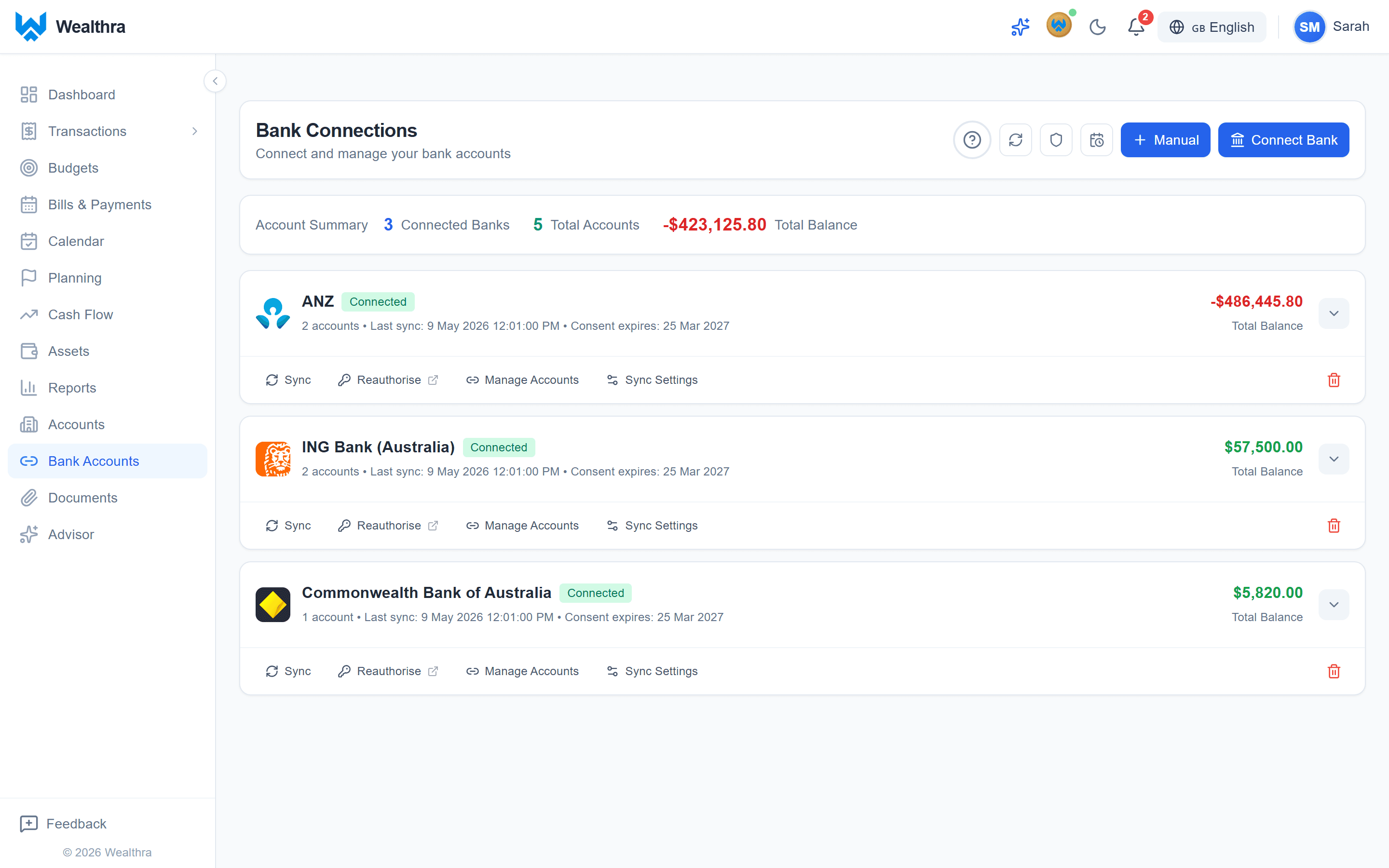
Wealthra is a CDR Representative operating under Basiq, an ACCC-accredited data recipient. Here's how the connection works:
- You authorise directly with your bank — we never see your bank password
- Your bank sends data via secure API — encrypted with TLS and AES-256, SOC 2 Type 2 certified
- Wealthra categorises and analyses — your transactions appear in your dashboard automatically
The entire process is strictly read-only. We cannot initiate transactions, transfer funds, or make any changes to your accounts.
Your data, your rules
The CDR gives you full control over every connection.
Bank-grade encryption
TLS 1.2+ in transit, AES-256 at rest, SOC 2 Type 2 certified.
Read-only access
View balances and transactions only. No ability to move money.
Credentials stay with your bank
You log in directly with your bank. We never see your password.
Time-limited consent
Auto-expires after 12 months. You get notified before it lapses.
Revoke any time
Withdraw from Settings. Your data is deleted immediately.
Government-regulated
Only ACCC-accredited organisations (or their representatives) can receive CDR data.
Common questions
Can an app drain my bank account?
No. Open Banking is read-only. It's like giving someone a photocopy of your bank statement — they can see the numbers, but they can't touch the money.
Is screen-scraping the same thing?
No. Screen-scraping is an older method that required you to hand over your actual bank login credentials. CDR never asks for your password — you authenticate directly with your bank.
What if I change my mind?
Go to Settings → Bank Connections → Revoke. Your data is deleted within 24 hours.
Which banks support it?
All major banks (CBA, Westpac, NAB, ANZ) and most smaller institutions. The list keeps growing as the government mandates compliance.
Does connecting cost anything?
Bank connections are included with paid plans. Banks are legally required to provide CDR data free of charge.
Ready to connect?
Connecting your bank takes under two minutes. Once connected, you unlock automatic transaction imports, real-time balance tracking, intelligent budgeting, and accurate net worth projections.
Ready to connect your bank?
Link your accounts securely through Open Banking. It takes under two minutes.
Get Started Free